
Articles

Visual branding trends are moving toward polished, human, usable imagery. See how photography can build trust across teams, channels, and campaigns today.

Learn what to do after getting professional headshots. Boost your LinkedIn profile, personal brand, networking, and career opportunities.

Aerial media brings scale, context, and cinematic polish to brand stories, commercial campaigns, events, and properties across your digital platforms.

Office photo day planning made simple: create polished, consistent team portraits with less disruption, confident participation, and assets ready to work.
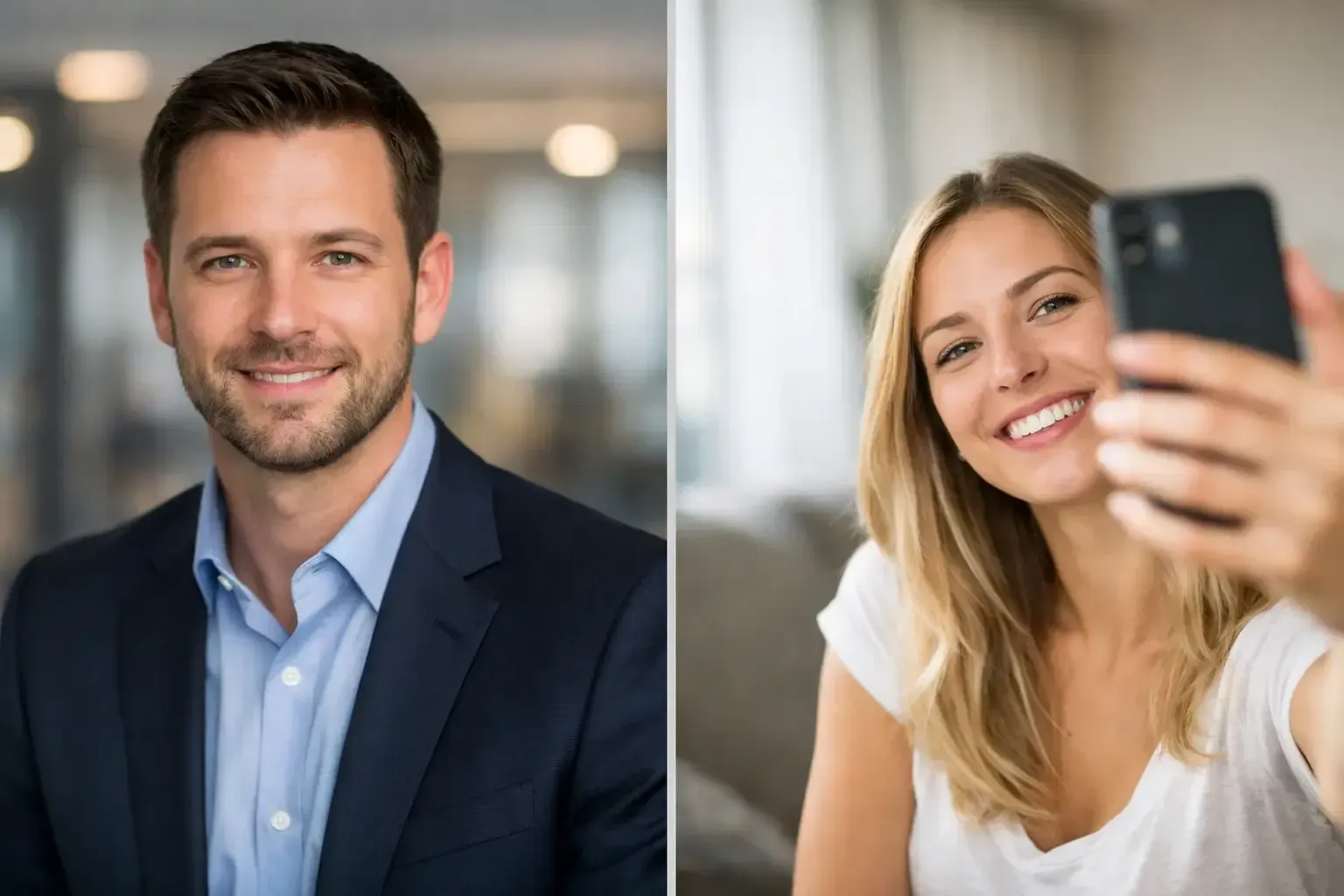
Headshots versus selfies shape credibility before a meeting begins. See when a professional portrait is the smarter investment for your personal brand.
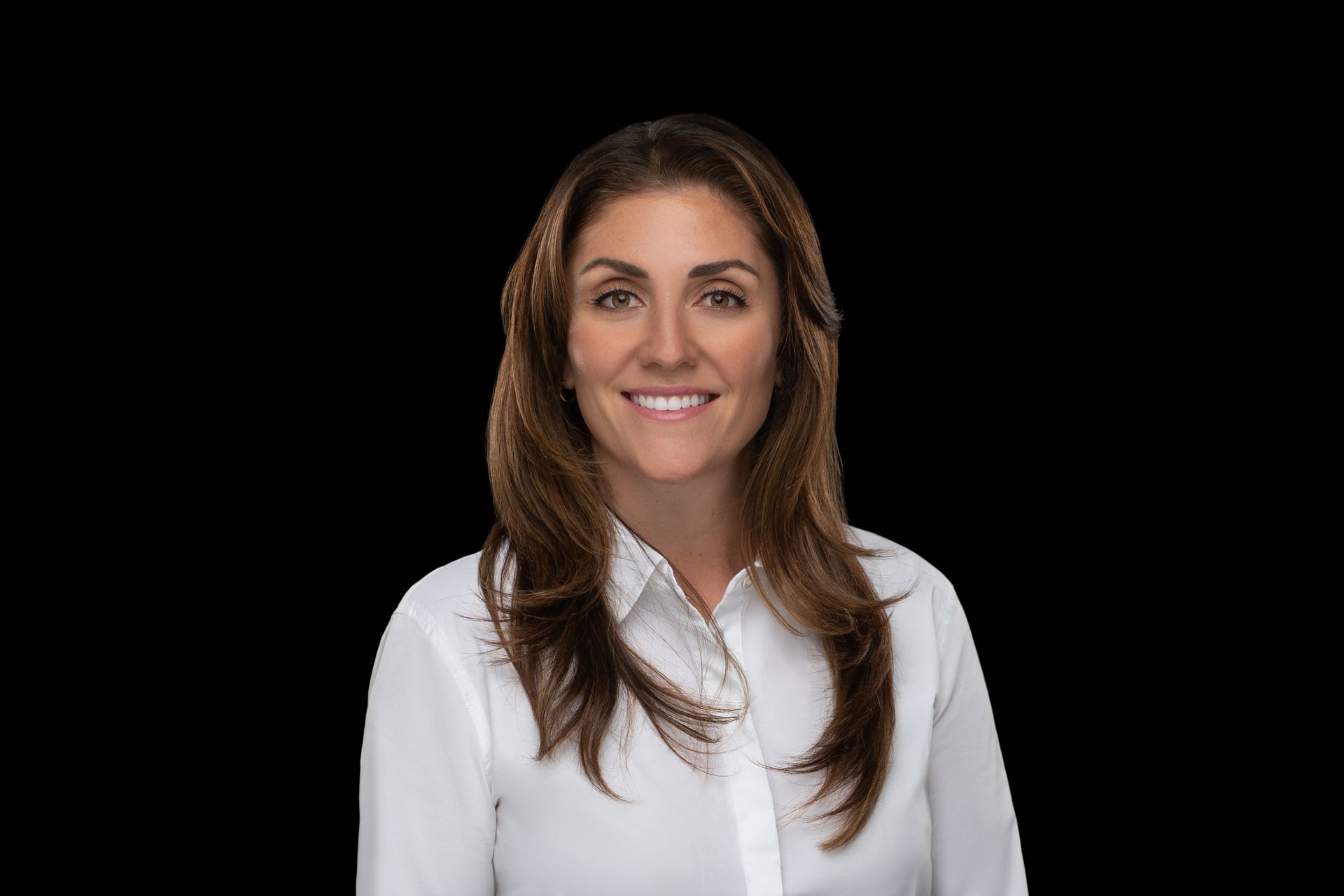
How to Pose LinkedIn Photos With Confidence
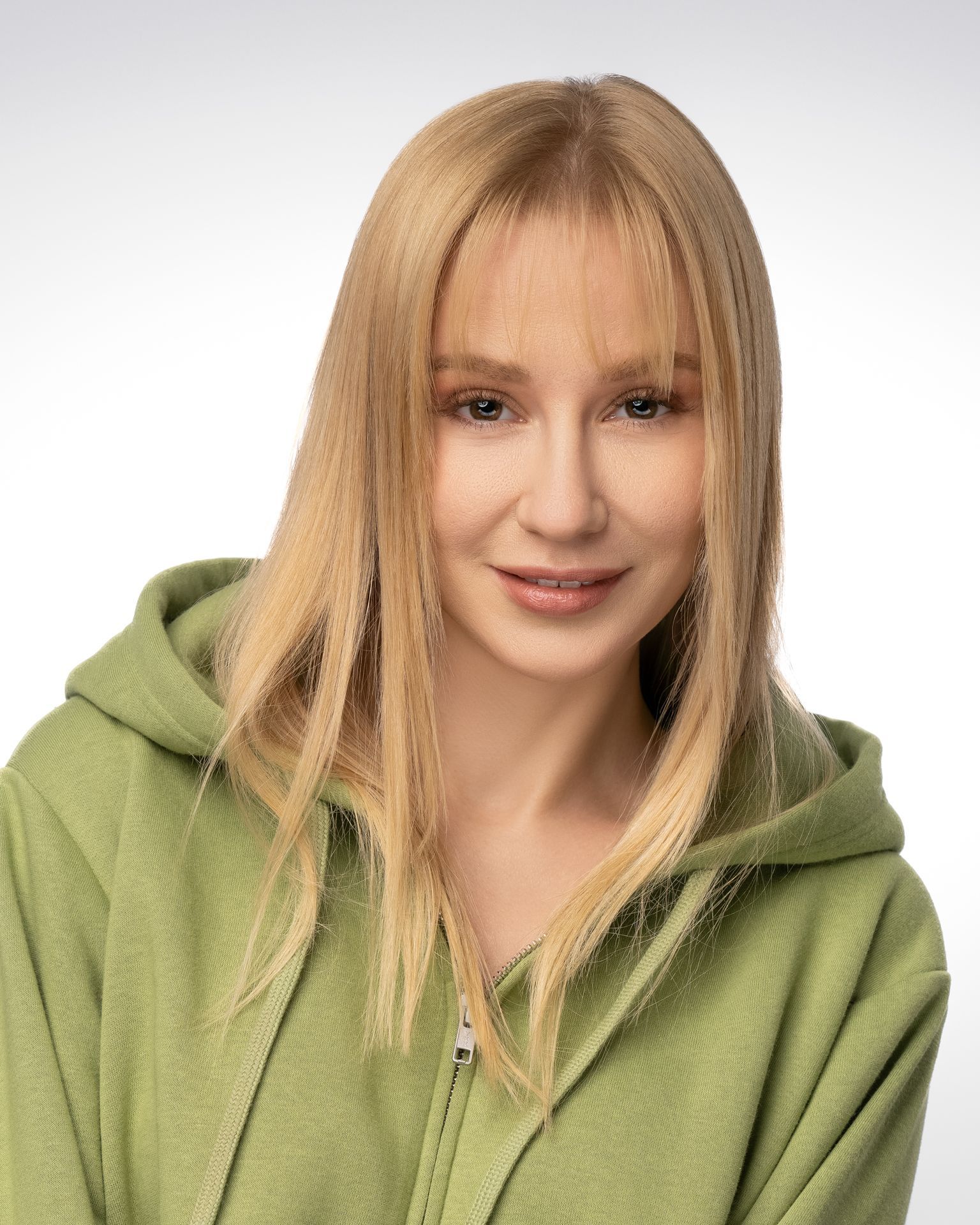
Actor headshots should make casting see you clearly and quickly. Learn how wardrobe, expression, framing, and retouching shape a bookable image, fast.
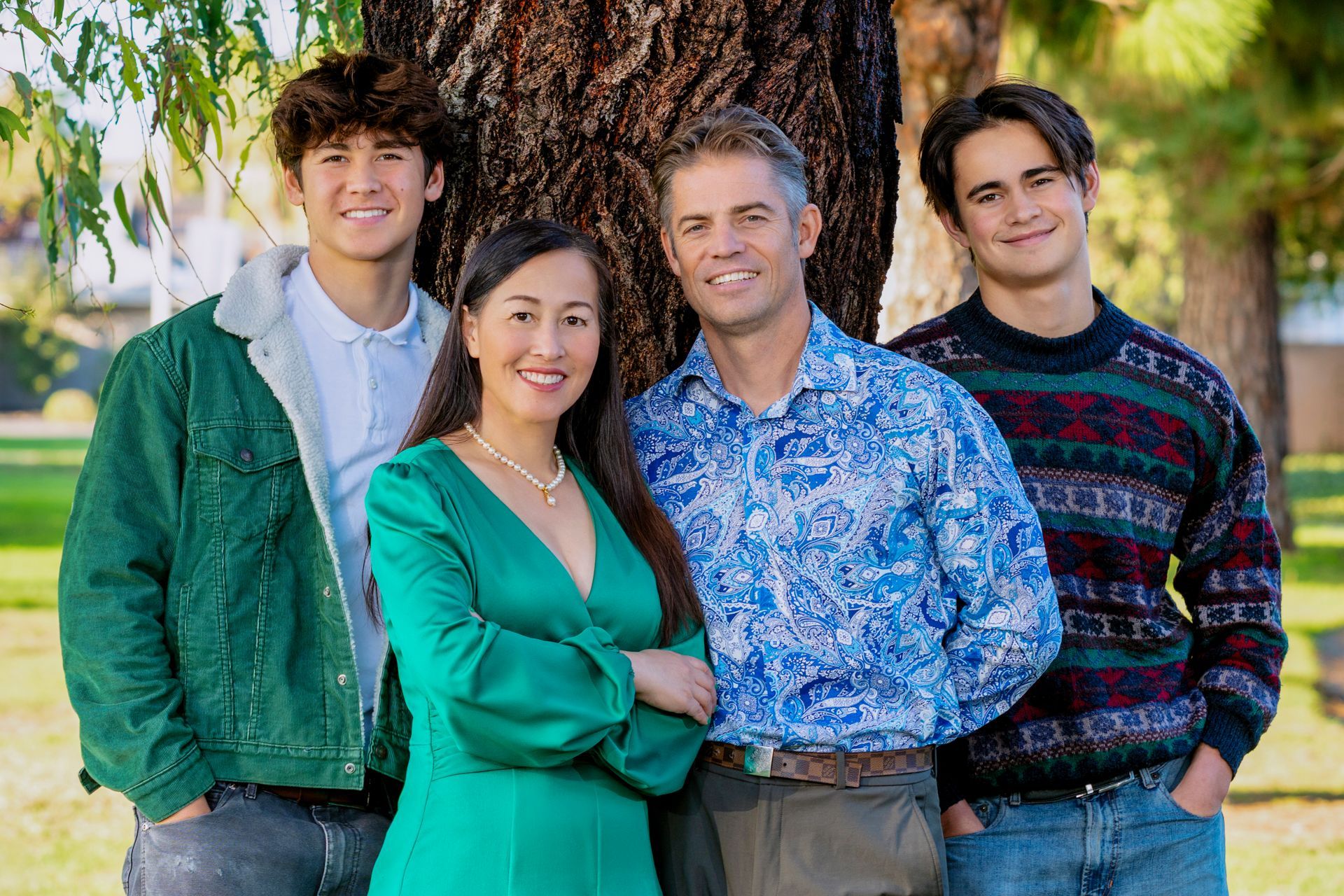
A family portrait photographer creates polished, meaningful images with thoughtful planning, natural direction, refined retouching, and lasting care.

Personal branding photography creates polished, versatile images that build trust across your website, LinkedIn, media features, and marketing campaigns.